What Is Content Automation, and Why Does It Matter in 2026?
Posted by
 Stefan Winter
How to Use Content Automation Without Losing Your SEO Edge

Content automation sounds like a dream: publish more, work less, and watch your traffic climb. But for many website owners and marketers, the reality is messier. Poorly automated content tanks rankings, frustrates readers, and wastes time fixing mistakes that a smarter workflow could have prevented. This guide walks you through how to implement content automation the right way, so you scale your output without sacrificing the quality that search engines and readers actually reward.
What Is Content Automation, and Why Does It Matter in 2026?
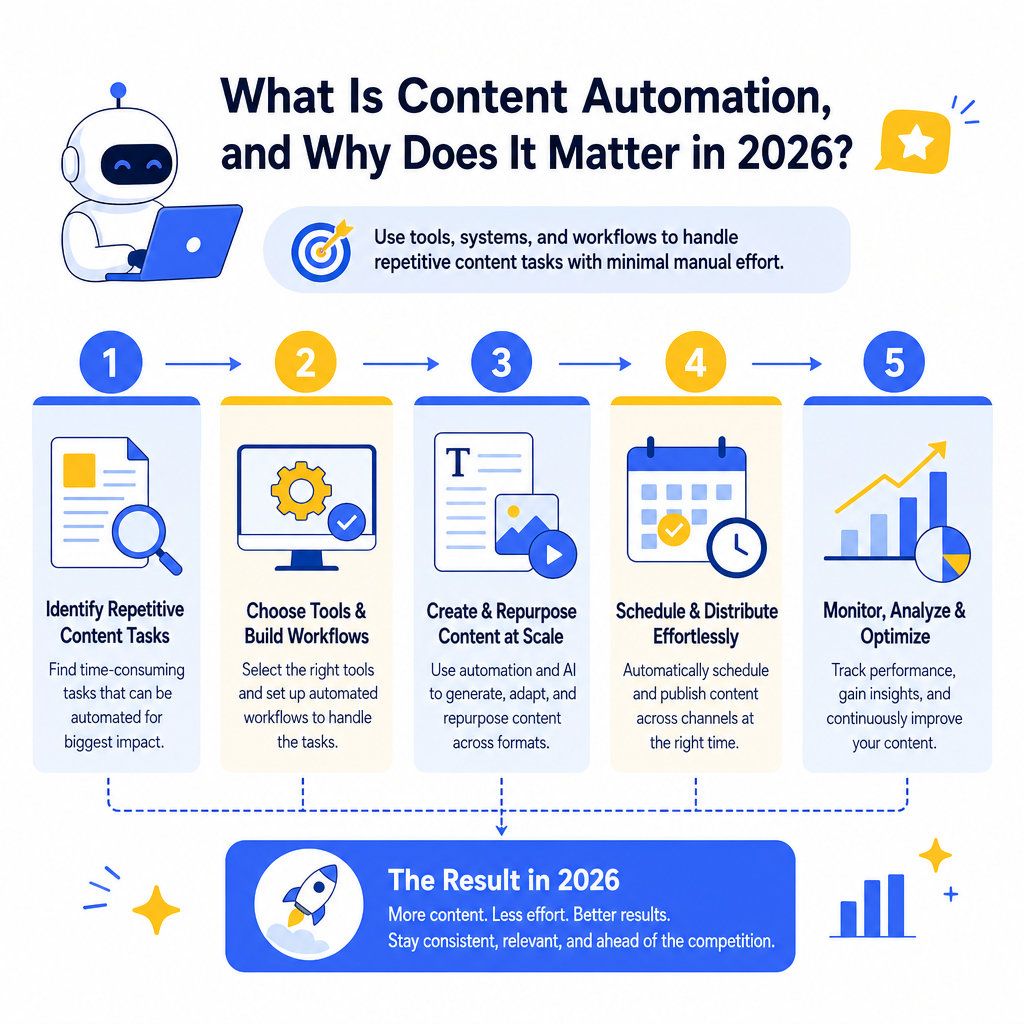
Content automation refers to the use of tools, systems, and workflows to handle repetitive content tasks with minimal manual effort. This can include anything from auto-generating meta descriptions to scheduling social media posts, repurposing articles across formats, or using AI to produce first drafts based on keyword briefs.
The reason it matters right now is volume. Google's search results pages are more competitive than ever, and brands that publish consistently tend to outperform those that publish sporadically. According to HubSpot's State of Marketing Report, companies that blog regularly generate significantly more inbound leads than those that do not. Automation makes that consistency achievable for teams of any size.
However, automation is not a replacement for strategy. If you automate content without a clear plan, you end up with a lot of noise and very little signal. Before you set up any automated workflow, you need to understand what you are trying to accomplish. If you have not yet mapped out your content goals, our guide on defining your goals before you write a single word is a smart place to start.
How Does Content Automation Actually Work?
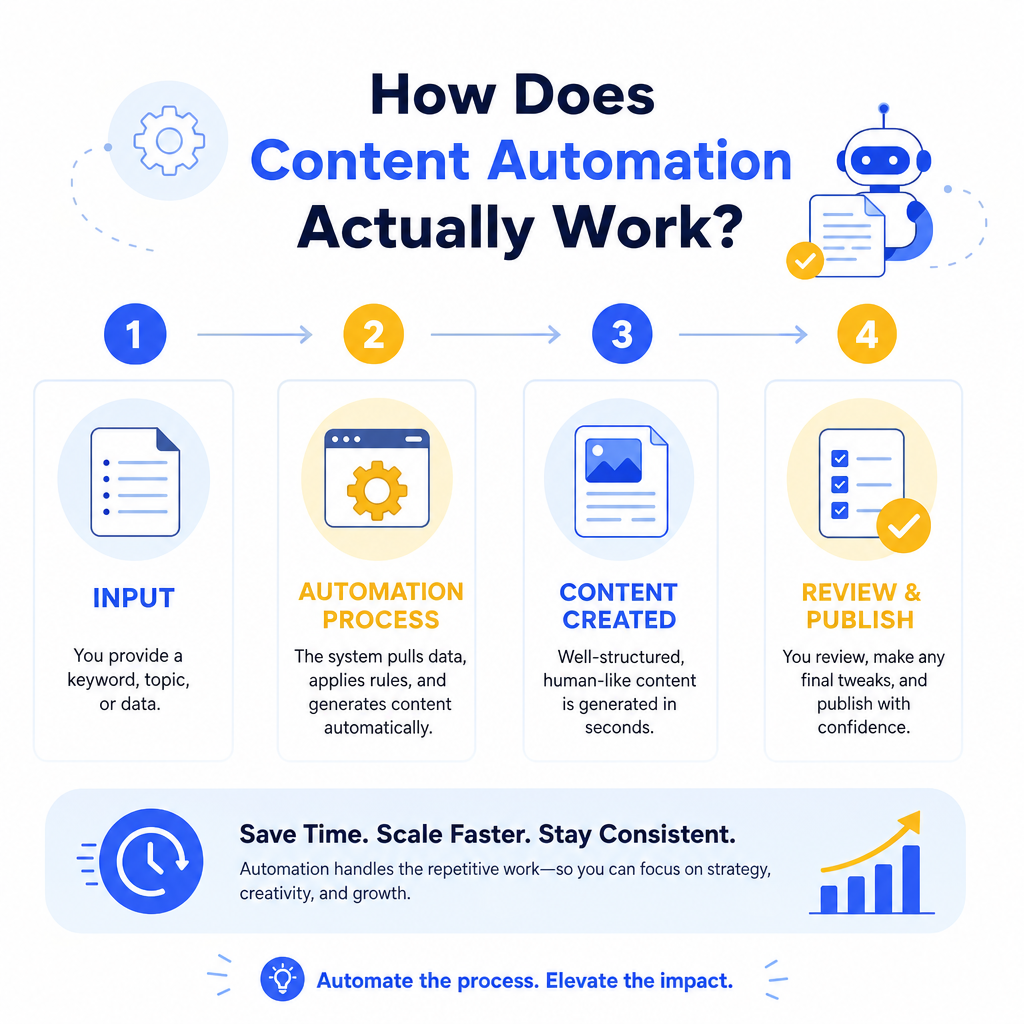
At its core, content automation works by removing humans from the parts of the content process that are repetitive, rule-based, or time-consuming without requiring creative judgment. Here is a simplified breakdown of how the process typically flows:
1. Input: You provide a keyword, topic, or data source. 2. Processing: The tool generates, formats, or distributes content based on predefined rules or AI models. 3. Output: You receive a draft, a published post, a scheduled social update, or a repurposed asset. 4. Review: A human editor checks quality, accuracy, and SEO alignment before or after publication.
The review step is the one most teams skip, and it is also the one that determines whether your automation helps or hurts you.
What Types of Content Can Be Automated?
Not all content is equally suited to automation. Here is a quick reference table to help you decide where to apply automation and where to keep humans in the loop:
| Content Type | Automation Potential | Human Oversight Needed |
|---|---|---|
| Meta titles and descriptions | High | Light review |
| Social media captions | High | Moderate review |
| Product descriptions (e-commerce) | High | Light review |
| Blog post first drafts | Medium | Heavy editing |
| Long-form thought leadership | Low | Full human authorship |
| FAQ sections | Medium | Fact-checking required |
| Internal linking suggestions | High | Contextual judgment |
| Email newsletters | Medium | Brand voice alignment |
Step-by-Step: How to Build a Content Automation Workflow
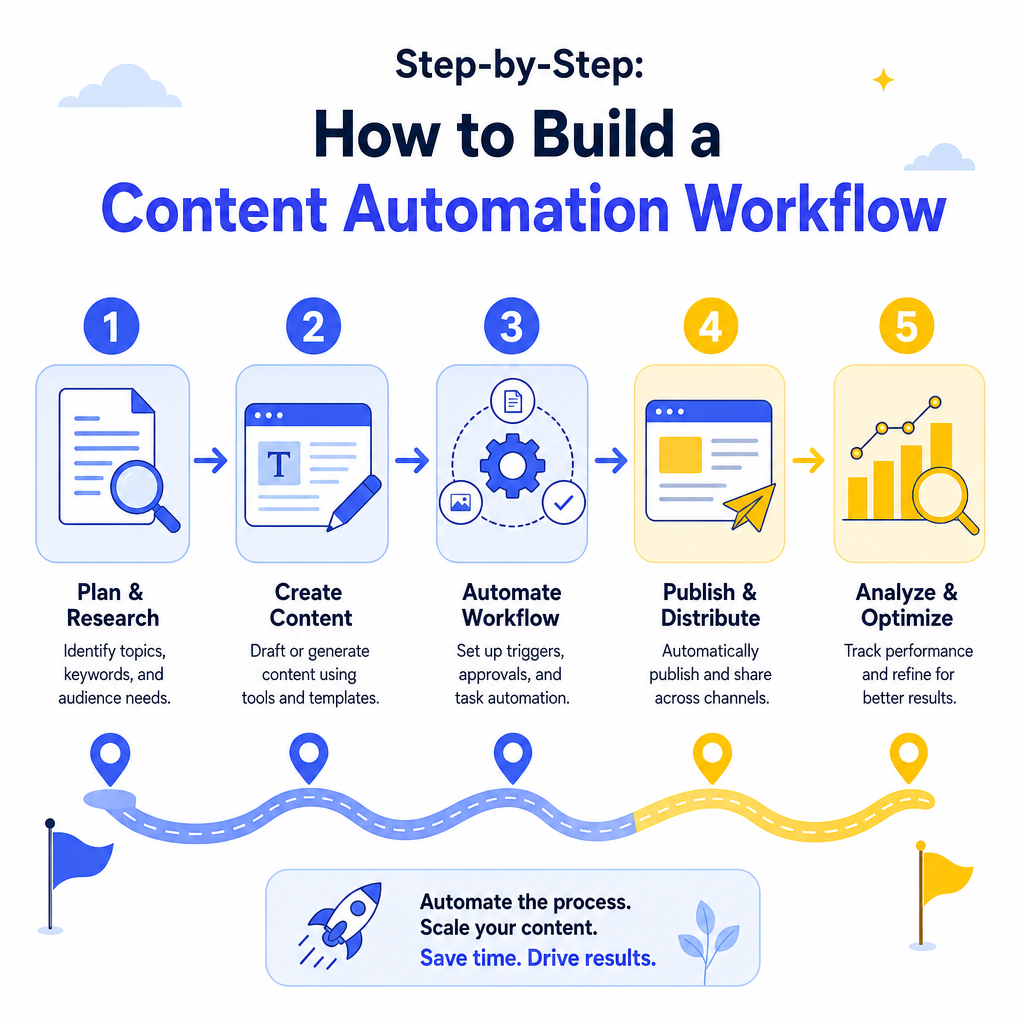
Step 1: Audit Your Current Content Process
Before you automate anything, document every step in your existing content workflow. Where do bottlenecks happen? Which tasks take the most time? Which ones require the least creative thinking?
Common candidates for automation include keyword research compilation, content brief generation, internal link identification, meta tag creation, and content repurposing into different formats. Once you have a list, rank each task by time cost and automation feasibility.
Step 2: Choose the Right Tools for Your Goals
The content automation tool landscape is broad. Some platforms focus on AI writing assistance, others on distribution and scheduling, and others on SEO-specific tasks like content optimization and gap analysis.
For SEO-focused automation, you want tools that understand search intent, not just keyword density. If you are evaluating platforms, our breakdown of what a content optimization tool does and how it works covers the key features to look for before you commit to a subscription.
A few categories worth exploring:
- AI writing assistants (Jasper, Copy.ai, ChatGPT-based tools) for first drafts and ideation
- SEO platforms (Surfer SEO, Clearscope, MarketMuse) for content briefs and optimization scoring
- Scheduling and distribution tools (Buffer, Hootsuite, CoSchedule) for social and email
- CMS automation plugins for WordPress and similar platforms that handle internal linking and meta generation automatically
Step 3: Create Templates and Guardrails
Automation without structure produces inconsistent output. Before you start generating content at scale, build templates for every content type you plan to automate. A blog post template might include a required word count range, a heading structure, a target keyword placement guide, and a list of brand voice rules.
Guardrails are equally important. Define what the tool is not allowed to do, such as making specific claims about competitors, using certain phrases that conflict with your brand voice, or publishing without a human review. According to Google's Search Essentials documentation, content produced primarily for search engines rather than people can be treated as spam, regardless of how it was created. Your guardrails protect you from crossing that line.
Step 4: Automate Internal Linking Strategically
Internal linking is one of the highest-value, most underused SEO tasks, and it is also one of the easiest to partially automate. Tools like Link Whisper for WordPress or the internal linking features in platforms like Surfer SEO can suggest relevant internal links as you write or publish.
That said, automated suggestions still need human review. A tool might suggest linking two posts that are topically related but contextually awkward together. The goal is to use automation to surface opportunities, not to blindly accept every suggestion.
For context on how internal linking connects to broader SEO strategy, our post on what a gap analysis in SEO involves explains how to identify where your content network has holes that need filling.
Step 5: Set Up a Quality Control Gate
Every automated content workflow needs a checkpoint before content goes live. This does not have to be a full editorial review for every piece. It can be a checklist that a junior team member runs through in five minutes.
Your quality control gate should verify:
- The content addresses the target keyword naturally
- Facts and statistics are accurate and sourced
- The brand voice is consistent throughout
- No duplicate content has been introduced
- Meta tags are present and within character limits
- Internal and external links are working and relevant
Step 6: Measure, Adjust, and Iterate
Content automation is not a set-it-and-forget-it system. Once your workflow is running, track performance metrics for automated content versus manually produced content. Compare organic traffic, time on page, bounce rate, and keyword rankings across both groups.
If automated content is underperforming, the problem is usually one of three things: the quality control gate is too loose, the templates are too generic, or the tools are not well matched to your content goals. According to Semrush's annual content marketing research, teams that regularly audit and update their content strategies see measurably better results than those that set a strategy once and never revisit it. The same principle applies to automation workflows.
Common Mistakes to Avoid With Content Automation
Even experienced teams run into predictable problems when they first start automating content at scale. Here are the most common ones and how to avoid them:
- Over-automating creative tasks: AI is useful for structure and speed, not for genuine insight or original perspective. Keep thought leadership human.
- Ignoring E-E-A-T signals: Google's quality evaluator guidelines emphasize experience, expertise, authoritativeness, and trustworthiness. Automated content often lacks all four unless a knowledgeable human adds their perspective.
- Neglecting content freshness: Automation makes it easy to publish, but old automated content can become outdated quickly. Build refresh cycles into your workflow.
- Publishing without entity optimization: Automated drafts often miss the named entities, specific examples, and real-world references that help search engines understand topical authority.
Conclusion
Content automation, done well, is one of the most powerful tools available to modern SEO practitioners and content teams. It removes friction from repetitive tasks, creates consistency at scale, and frees up your best writers and strategists to focus on the work that genuinely requires human judgment.
The key is to treat automation as a system, not a shortcut. Build your workflow with clear templates, strong guardrails, a reliable quality control gate, and a commitment to ongoing measurement. When those pieces are in place, automation becomes a competitive advantage rather than a liability.
Start small. Pick one content task that currently eats up too much of your team's time and automate that first. Once you see how it performs, expand from there. The teams winning at content in 2026 are not the ones publishing the most. They are the ones publishing consistently, efficiently, and with enough quality control to earn trust from both readers and search engines.

Stefan Winter
Founder & SEO Expert
Founder of Fast SEO Fix and SEO automation expert. Stefan built Fast SEO Fix to solve the tedious problem of manual SEO work. He specializes in SEO optimized content generation, keyword research, and automated SEO strategies.
