What Is Websites Content, and Why Does It Matter So Much?
Posted by
 Stefan Winter
How to Build Website Content That Actually Drives Results
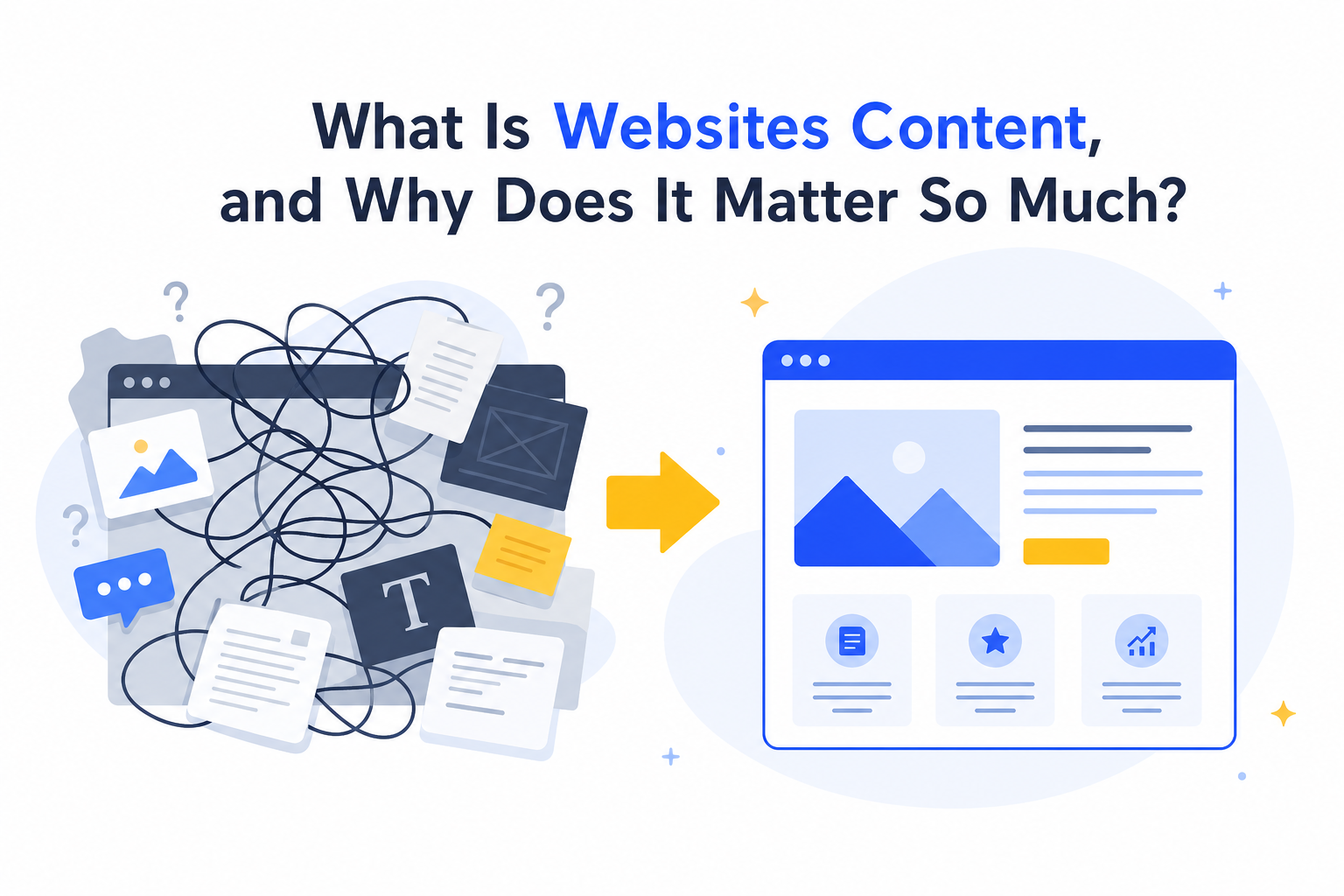
Your website might look great, but if the content sitting on those pages is not pulling its weight, you are leaving traffic, leads, and revenue on the table. Website content is not just filler text between images. It is the engine that drives search visibility, builds trust with visitors, and converts casual browsers into paying customers. In this guide, you will learn exactly how to create, structure, and optimize websites content that performs at every stage of the funnel.
What Is Websites Content, and Why Does It Matter So Much?
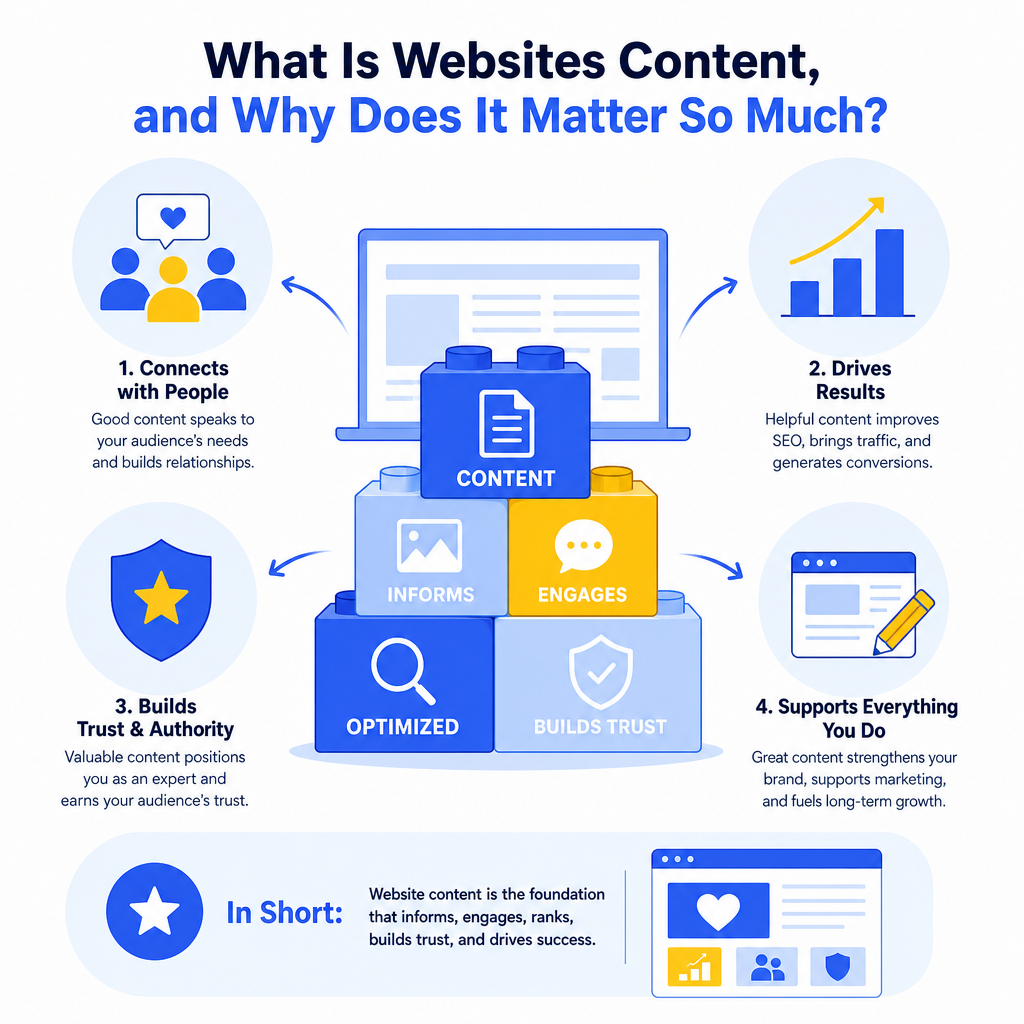
What counts as "website content"?
Website content covers everything a visitor reads, watches, or interacts with when they land on your site. That includes homepage copy, service pages, blog posts, product descriptions, FAQs, landing pages, case studies, and even image alt text. Every word and every element contributes to how search engines rank your pages and how visitors perceive your brand.
The reason websites content matters so deeply comes down to intent. When someone types a query into Google, they are looking for a specific answer. If your content matches that intent clearly and completely, you earn the click, the visit, and ideally the conversion. If it does not, they bounce and find a competitor who does it better.
Why do so many websites get this wrong?
Most website owners treat content as an afterthought. They build the design first and then stuff words into empty spaces. The result is generic, keyword-stuffed text that neither search engines nor real people find useful. According to HubSpot's State of Marketing Report, companies that prioritize content marketing see significantly higher ROI compared to those that treat it as secondary. Getting your websites content strategy right from the start is one of the highest-leverage investments you can make.
Step 1: Audit What You Already Have
Before creating anything new, take stock of your existing content. A content audit helps you identify what is working, what needs improvement, and what should be removed entirely.
Here is what to look for during an audit:
- Pages with high traffic but low conversions (the content attracts visitors but fails to persuade them)
- Pages with thin content (fewer than 300 words or very little useful information)
- Duplicate content (similar pages competing against each other in search results)
- Outdated information (statistics, dates, or references that are no longer accurate)
- Broken internal links (which damage both user experience and crawlability)
Step 2: Map Content to Search Intent
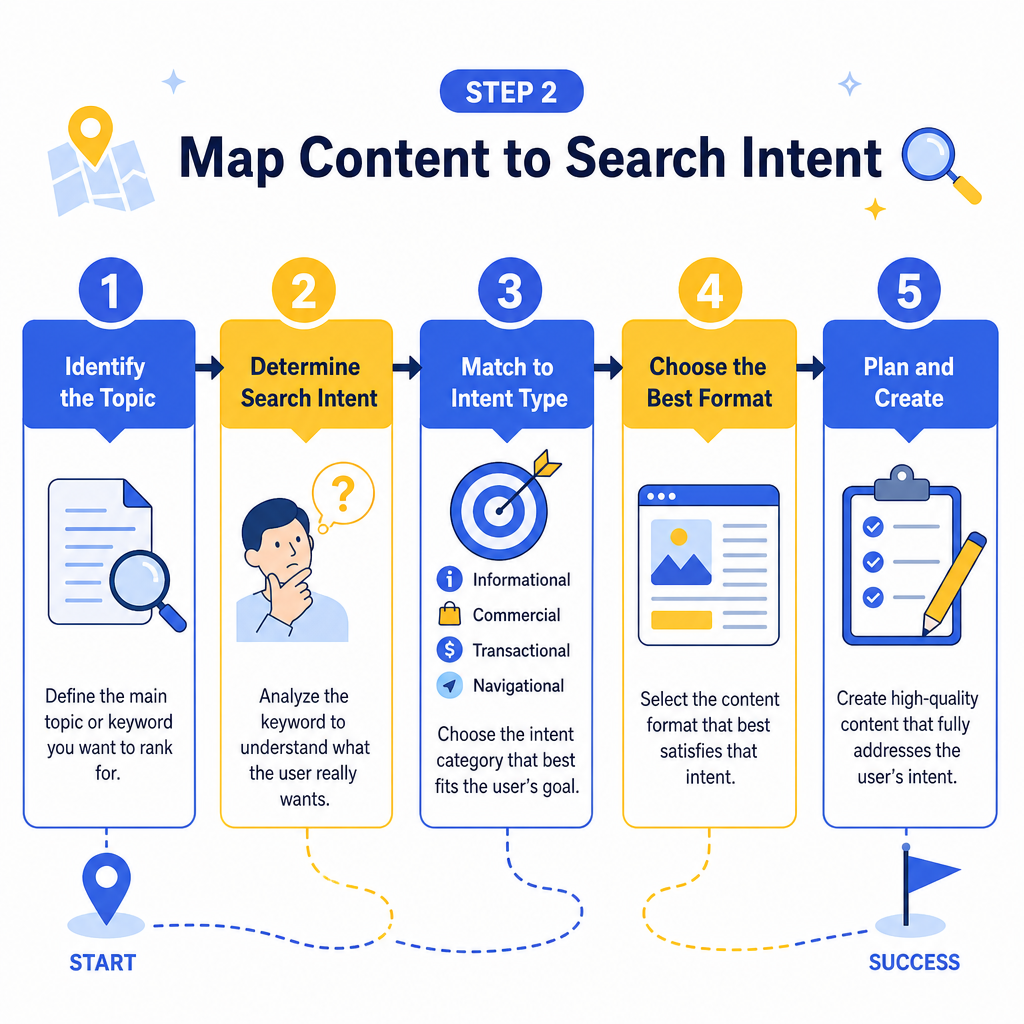
One of the most critical steps in building effective websites content is aligning each page with a specific type of search intent. Search intent falls into four main categories.
| Intent Type | What the User Wants | Best Content Format |
|---|---|---|
| Informational | To learn something | Blog posts, guides, FAQs |
| Navigational | To find a specific site | Brand pages, login pages |
| Commercial | To research before buying | Comparison pages, reviews |
| Transactional | To complete a purchase | Product pages, landing pages |
If you are still figuring out which keywords to target for each intent type, it helps to understand your competitive landscape. Our post on what an SEO competitor is and why it matters walks through how to analyze what your competitors are ranking for, which directly informs your content priorities.
Step 3: Structure Your Content for Readability and SEO
How should you format website content?
Structure is everything. Even brilliant content fails if it is presented as a wall of text. Search engines use heading tags (H1, H2, H3) to understand the hierarchy and topic coverage of your page. Readers use them to skim and find the section most relevant to their question.
Follow these formatting principles for every page:
- Use one H1 per page that includes your primary keyword naturally
- Break content into sections with descriptive H2 and H3 headings
- Keep paragraphs short (three to four sentences at most)
- Use bullet points and numbered lists to present steps, features, or comparisons
- Bold key terms and phrases to help skimmers catch the most important points
- Include a table when comparing options or summarizing data (like the one above)
How long should website content be?
Length depends on the topic and intent. Informational pages and guides benefit from longer, more comprehensive treatment (1,000 to 2,500 words). Product pages and landing pages should be concise and conversion-focused. The rule of thumb is to write as much as the topic genuinely requires, and not a word more.
Step 4: Optimize Every Page Before You Publish
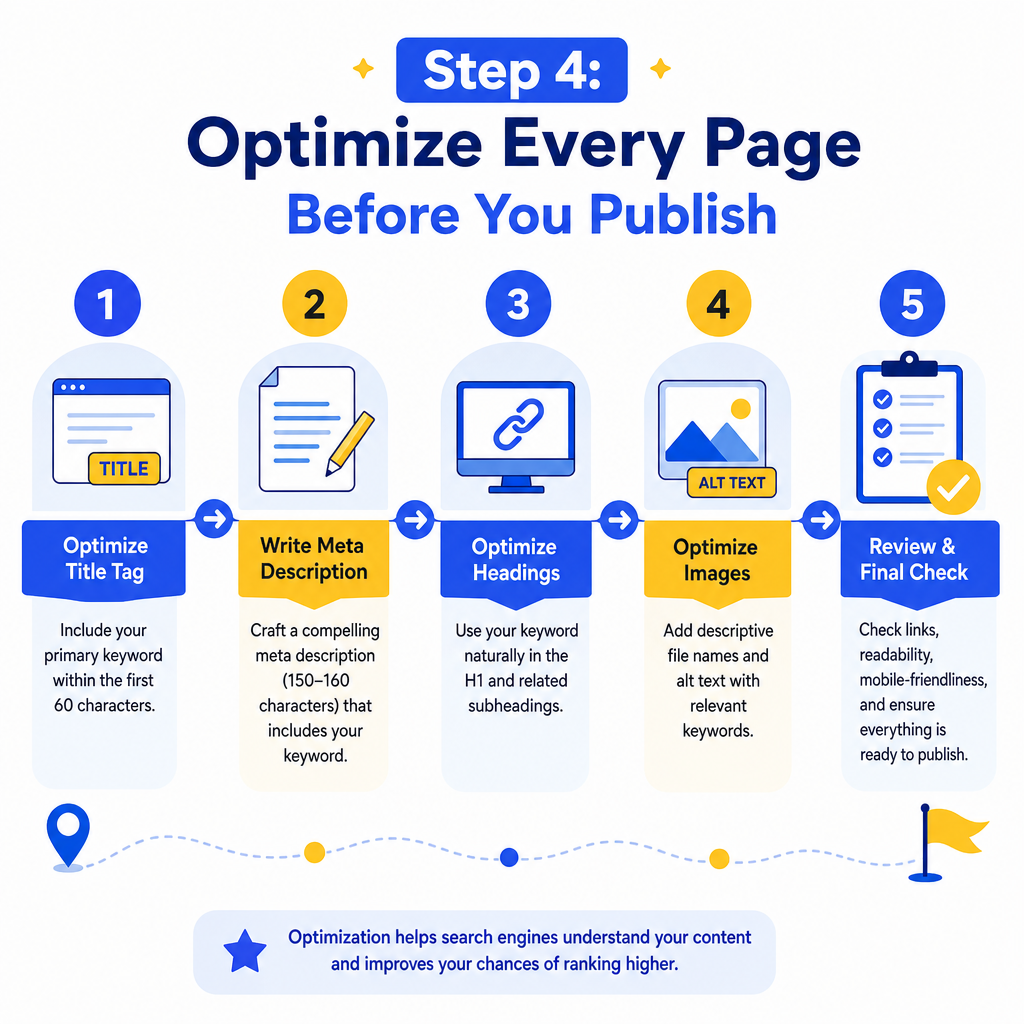
Optimization is not about cramming keywords into every sentence. It is about making sure search engines can understand and categorize your content accurately. Here is a practical checklist for optimizing websites content before it goes live:
- Title tag: Include your primary keyword within the first 60 characters
- Meta description: Write a compelling 150-160 character summary that encourages clicks
- URL slug: Keep it short, descriptive, and keyword-relevant
- Image alt text: Describe every image using relevant terms
- Internal links: Connect new pages to existing related content on your site
- Schema markup: Add structured data where appropriate (FAQs, reviews, articles)
- Page speed: Compress images and minimize code to ensure fast load times
Step 5: Plan a Content Calendar and Publish Consistently
One-off content efforts rarely build lasting search visibility. The websites that dominate search results in 2026 are the ones publishing consistently useful content on a regular schedule. A content calendar keeps your team aligned and your publishing cadence predictable.
Your content calendar should include:
- Target keyword for each planned piece
- Content type (blog post, landing page, case study, etc.)
- Assigned writer and editor
- Target publish date
- Internal linking opportunities to existing content
- Promotion channels (email, social media, paid distribution)
Step 6: Measure Performance and Iterate
How do you know if your website content is working?
Publishing is not the finish line. The final step in any effective websites content strategy is measuring results and using data to improve. Track these key metrics regularly:
- Organic traffic (are more people finding your pages through search?)
- Average position in Google Search Console (are rankings improving over time?)
- Click-through rate (are your titles and meta descriptions compelling enough to earn clicks?)
- Bounce rate (are visitors staying and engaging, or leaving immediately?)
- Conversions (are visitors taking the desired action, whether that is a form submission, purchase, or call?)
For teams that want to scale this process efficiently, exploring what automated content tools can do may help you maintain publishing volume without sacrificing quality on lower-priority pages.
Conclusion
Building websites content that drives real results is not a one-time project. It is an ongoing process of researching, creating, optimizing, and refining. The steps in this guide give you a clear, actionable framework: audit what exists, align content with search intent, structure pages for readability, optimize before publishing, maintain a consistent calendar, and measure everything.
The websites that win in search and convert the most visitors are not necessarily the ones with the biggest budgets. They are the ones with the most thoughtful, relevant, and well-organized content. Start with one section of your site, apply these principles, and measure the difference. Then scale what works.
If you are ready to take your websites content to the next level, Fast SEO Fix is here to help you build a strategy that brings measurable results.

Stefan Winter
Founder & SEO Expert
Founder of Fast SEO Fix and SEO automation expert. Stefan built Fast SEO Fix to solve the tedious problem of manual SEO work. He specializes in SEO optimized content generation, keyword research, and automated SEO strategies.
