What Exactly Is Google Search Console and Why Should You Care?
Posted by
 Stefan Winter
How to Master Google Search Console for Maximum SEO Impact

Google Search Console stands as one of the most powerful free tools available to website owners, yet many businesses barely scratch the surface of its capabilities. This comprehensive platform provides direct insights from Google about your website's performance, indexing status, and search visibility. Whether you're managing a small business website or overseeing a complex enterprise platform, understanding how to leverage Google Search Console effectively can transform your SEO strategy and drive significant organic traffic growth.
In this guide, you'll discover the step-by-step process to set up, configure, and maximize Google Search Console for your website. We'll explore advanced features that most users overlook, troubleshoot common issues, and reveal actionable strategies that can immediately improve your search performance.
What Exactly Is Google Search Console and Why Should You Care?
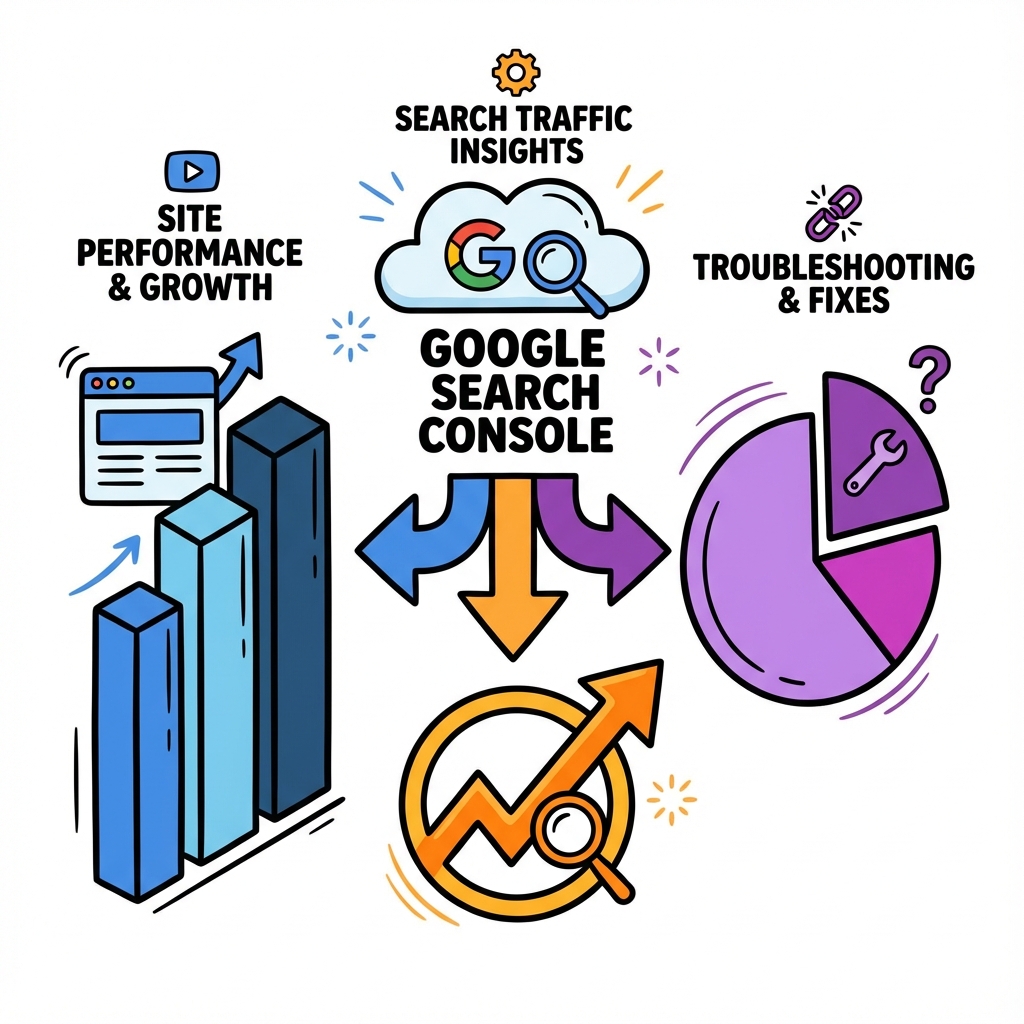
Google Search Console is a free web service provided by Google that helps you monitor, maintain, and troubleshoot your site's presence in Google Search results. Think of it as a direct communication channel between your website and Google's search algorithm.
The platform offers invaluable data about how Google crawls, indexes, and serves your website to users. You can identify which keywords drive traffic to your site, discover technical issues that might be hurting your rankings, and understand exactly how Google perceives your content. This information becomes crucial when developing keyword research strategies and optimizing your overall SEO approach.
Unlike third-party SEO tools that estimate data, Google Search Console provides actual performance metrics directly from Google's servers. This makes it an essential component of any serious SEO strategy, especially when combined with proper content structure optimization.
How to Set Up Google Search Console in 5 Simple Steps
Setting up Google Search Console correctly forms the foundation of your SEO monitoring efforts. Follow these steps to ensure proper configuration:
Step 1: Create Your Google Account and Access Search Console Navigate to the Google Search Console homepage and sign in with your Google account. If you don't have one, create it first. Click "Start Now" to begin the setup process. Step 2: Add Your Property Choose between "Domain" or "URL prefix" property types. Domain properties cover all subdomains and protocols (recommended for most users), while URL prefix properties track specific URLs only. Enter your website URL and click "Continue." Step 3: Verify Your Ownership Google offers several verification methods including HTML file upload, HTML tag insertion, Google Analytics tracking code, or DNS record verification. The HTML tag method works best for most users. Simply copy the provided meta tag and paste it into your website's header section. Step 4: Submit Your Sitemap Once verified, navigate to the "Sitemaps" section and submit your XML sitemap. This helps Google discover and index your pages more efficiently. Your sitemap URL typically follows the format: yourwebsite.com/sitemap.xml. Step 5: Configure Settings and Preferences Set your preferred domain version (www or non-www), choose your target country if applicable, and configure email notifications for critical issues.Understanding Property Types: Domain vs URL Prefix
| Property Type | Coverage | Verification Method | Best For |
|---|---|---|---|
| Domain | All subdomains and protocols | DNS verification only | Large sites with multiple subdomains |
| URL prefix | Specific URL only | Multiple methods available | Single websites, easier setup |
| Both combined | Complete coverage | Requires both setups | Enterprise sites needing detailed data |
Which Reports Should You Monitor for SEO Success?
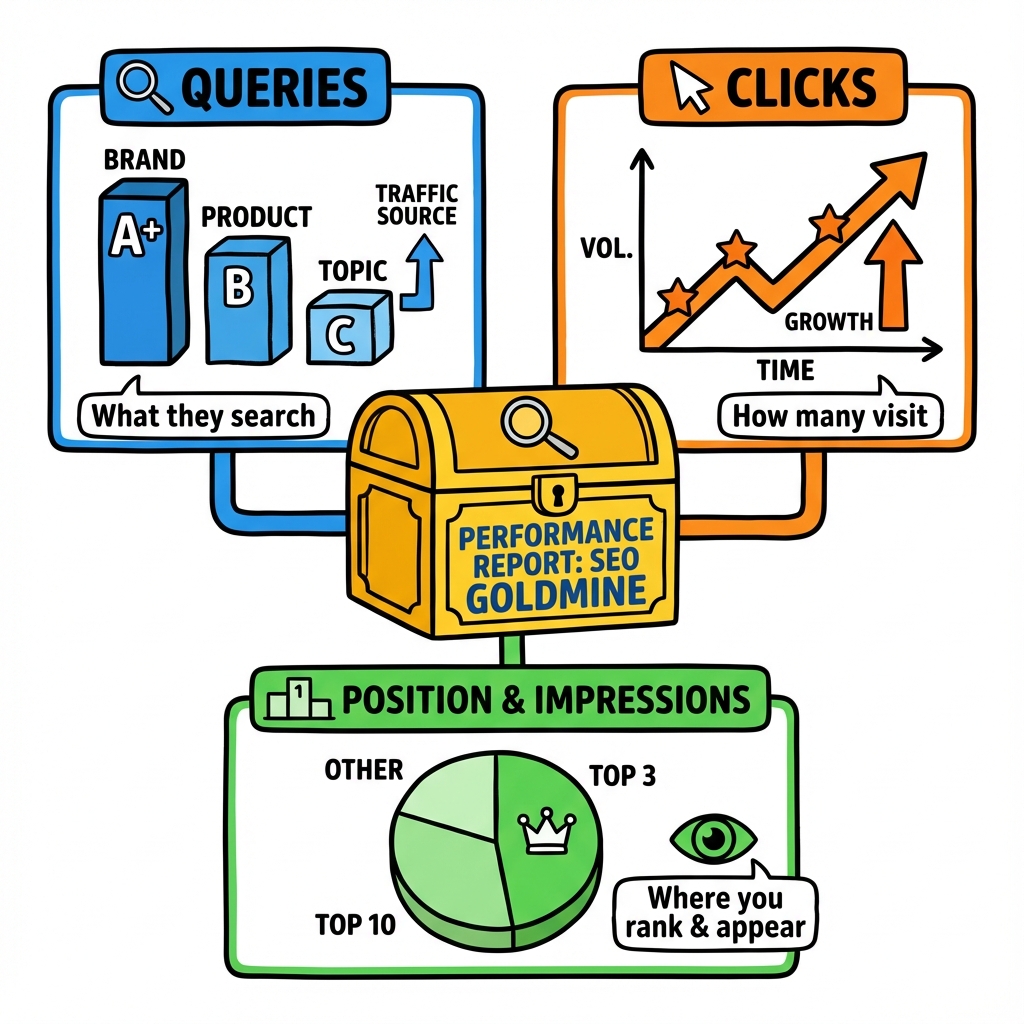
Google Search Console provides numerous reports, but focusing on the right ones can dramatically improve your SEO results. Here are the essential reports every website owner should monitor regularly:
Performance Report: Your SEO Goldmine The Performance report reveals which search queries bring users to your site, your average position for different keywords, and click-through rates. This data helps identify content gaps and optimization opportunities. Look for queries where you rank on page two (positions 11-20) as these represent quick wins for improvement. Coverage Report: Ensuring Complete Indexation This report shows which pages Google has successfully indexed and identifies any indexing issues. Pay attention to "Valid with warnings" and "Error" categories, as these indicate pages that might not be performing optimally in search results. Core Web Vitals: Technical Performance Matters Google considers page experience signals as ranking factors. The Core Web Vitals report identifies pages with poor loading speeds, interactivity issues, or visual stability problems. Addressing these technical issues can significantly boost your search rankings.Understanding these reports becomes even more valuable when you're creating content strategically and need data-driven insights to guide your decisions.
How Can You Fix Common Google Search Console Issues?
Even well-maintained websites encounter indexing and crawling issues. Here's how to address the most common problems:
Crawl Errors and 404 Pages When Google discovers broken links or missing pages, it reports them in the Coverage section. Create a systematic approach to fix these issues by either restoring missing content, implementing proper 301 redirects, or updating internal links to point to existing pages. Duplicate Content Problems Google Search Console identifies pages with similar or identical content that might compete against each other in search results. Resolve these issues by consolidating similar pages, implementing canonical tags, or creating more distinctive content for each page. Mobile Usability Issues With mobile-first indexing, mobile usability problems can severely impact your rankings. The Mobile Usability report highlights specific issues like text too small to read, clickable elements too close together, or viewport configuration problems. Address these issues promptly to maintain strong mobile search performance.Why Does Index Coverage Matter for Your Rankings?
Index coverage directly impacts your website's visibility in search results. Pages that aren't properly indexed won't appear in Google searches, regardless of their quality or relevance. Regular monitoring helps you catch and resolve indexing issues before they affect your organic traffic.
The relationship between proper indexing and search rankings importance cannot be overstated. Even the best content won't drive traffic if Google can't find, crawl, and index it properly.
What Advanced Features Can Accelerate Your SEO Growth?
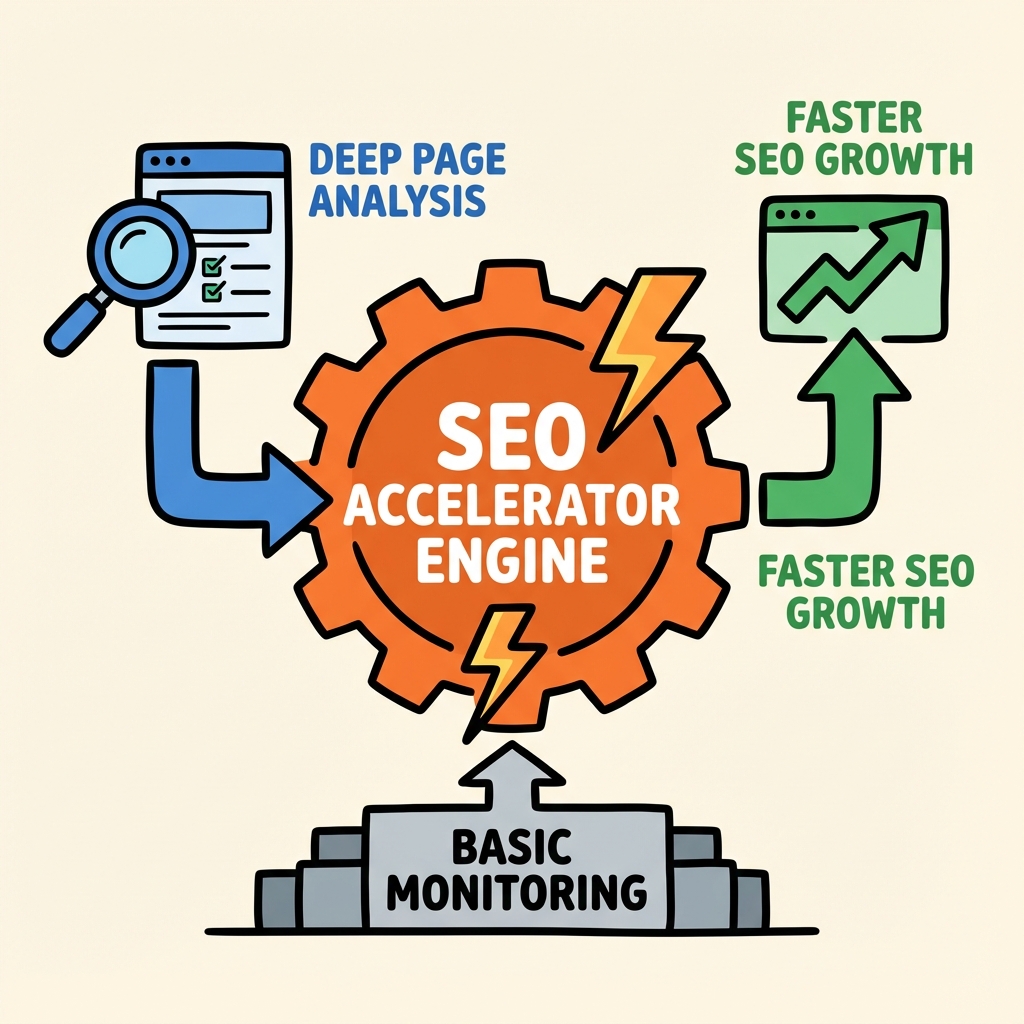
Beyond basic monitoring, Google Search Console offers advanced features that can significantly enhance your SEO strategy:
URL Inspection Tool: Deep Page Analysis This tool provides detailed information about specific pages, including indexing status, crawl history, and any issues preventing optimal performance. Use it to test new pages, troubleshoot indexing problems, or request immediate re-crawling after making important updates. Search Analytics Filtering and Segmentation The Performance report allows sophisticated filtering by device type, search type, date ranges, and geographic location. This granular data helps identify specific optimization opportunities and track the impact of your SEO efforts across different segments. International Targeting and Hreflang Monitoring For websites targeting multiple countries or languages, Google Search Console provides specialized reports for international SEO. Monitor hreflang implementation, geographic performance, and language-specific search queries to optimize your global search presence. Rich Results and Structured Data Testing The Enhancements section shows how Google interprets your structured data markup. Proper implementation can lead to rich snippets, which significantly improve click-through rates and search visibility.How Often Should You Review Your Google Search Console Data?
Establishing a regular review schedule ensures you catch issues early and capitalize on optimization opportunities:
Daily Monitoring Tasks (5 minutes) Check for critical errors, new manual actions, or significant traffic drops. Set up email alerts to notify you immediately of urgent issues requiring attention. Weekly Analysis Sessions (30 minutes) Review performance trends, analyze new keyword opportunities, and monitor Core Web Vitals improvements. Look for patterns in your data that might indicate successful optimizations or emerging problems. Monthly Deep Dives (2 hours) Conduct comprehensive analysis of all reports, compare month-over-month performance, and plan optimization strategies based on accumulated data insights. This is also the ideal time to audit your sitemap submissions and overall technical SEO health.Conclusion
Google Search Console represents far more than just a monitoring tool. It's your direct line to understanding how Google perceives and ranks your website. By implementing the strategies outlined in this guide, you'll transform raw data into actionable insights that drive measurable SEO improvements.
Remember that consistent monitoring and analysis yield the best results. Start with the basic setup and gradually incorporate advanced features as you become more comfortable with the platform. The insights you gain will inform better content decisions, technical optimizations, and overall SEO strategy.
Ready to take your SEO performance to the next level? Begin implementing these Google Search Console strategies today, and watch as your organic traffic grows through data-driven optimization efforts.

Stefan Winter
Founder & SEO Expert
Founder of Fast SEO Fix and SEO automation expert. Stefan built Fast SEO Fix to solve the tedious problem of manual SEO work. He specializes in SEO optimized content generation, keyword research, and automated SEO strategies.
